Advertisement
Click to download now, finish the installation quickly, and directly unlock the all-round experience
Advertisement
Screenshots
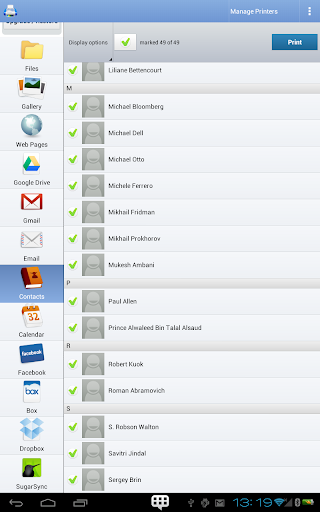
Click to download now, finish the installation quickly, and directly unlock the all-round experience
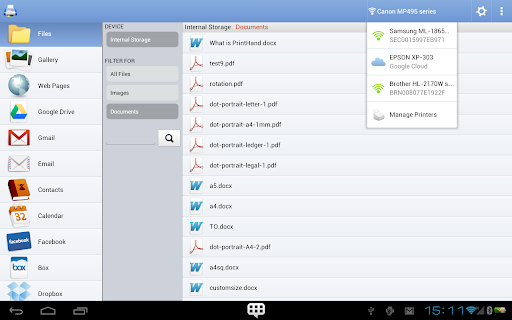
PrintHand Mobile Print sends documents and other content from an Android phone or tablet to a printer, without needing to move the file to a computer first. It suits people who regularly need paper copies while away from a desk, provided their printer and phone can connect in a supported way.
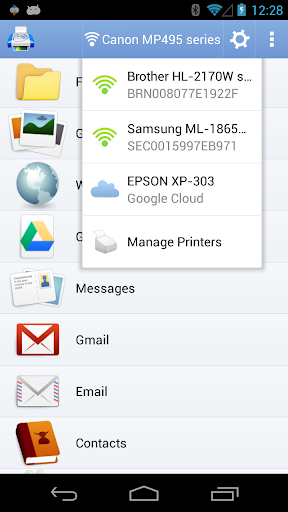
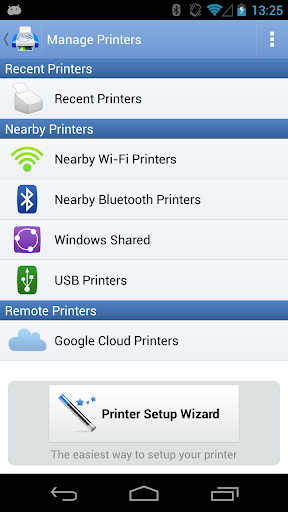
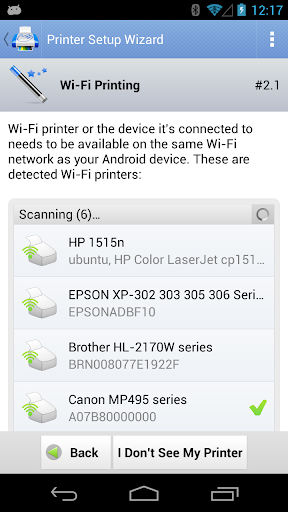
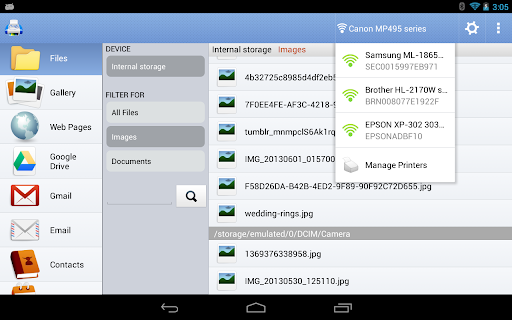
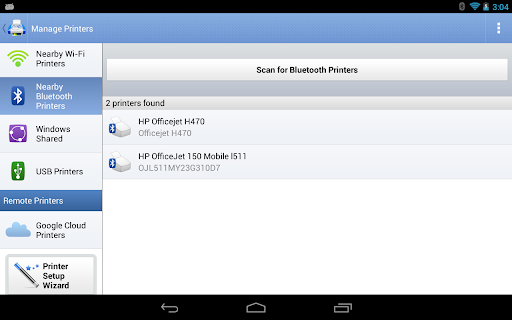
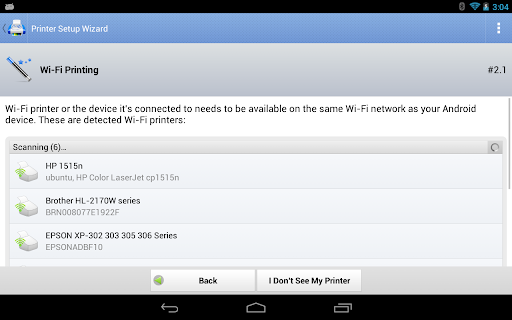
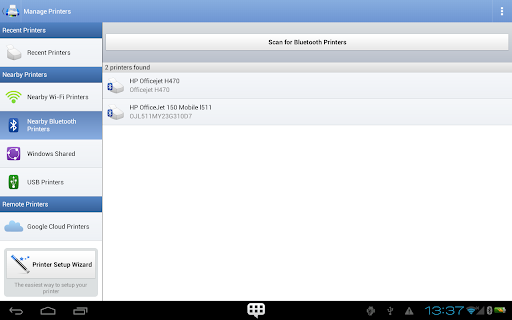
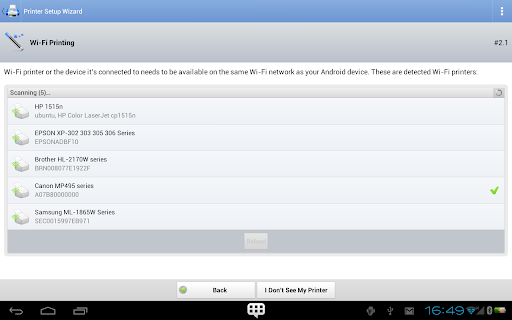
Depending on the printer and setup, the connection can be through Wi-Fi, Bluetooth or USB. It can also send jobs to printers shared from a Mac or Windows computer. Some compatible multifunction printers support scanning from the app as well.
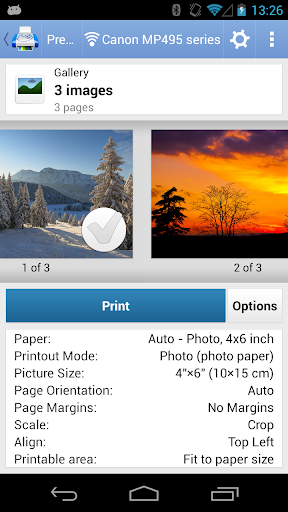
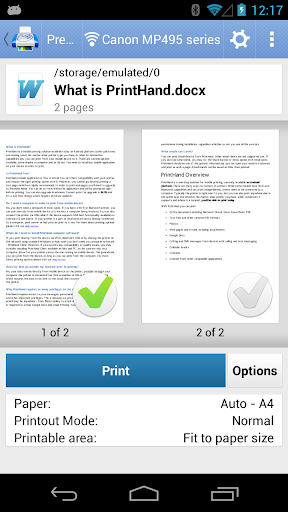
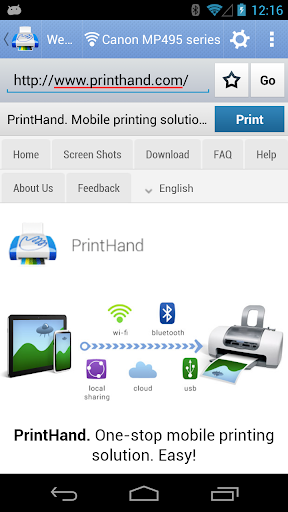
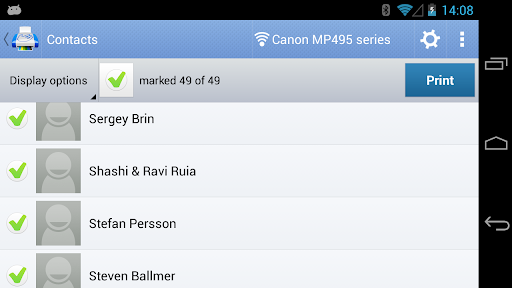
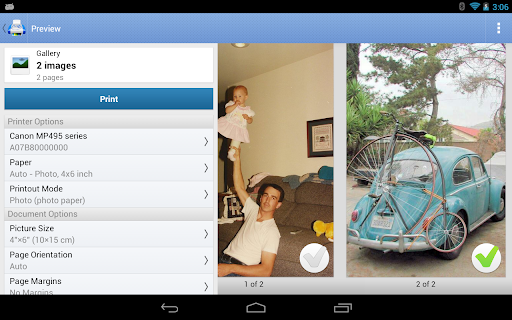
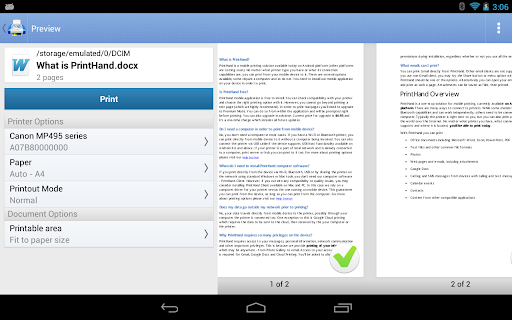
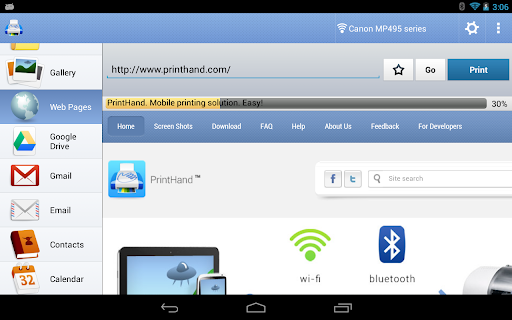
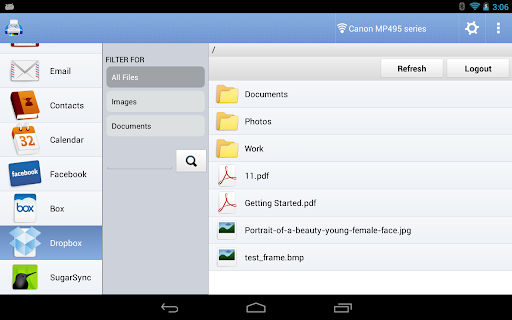
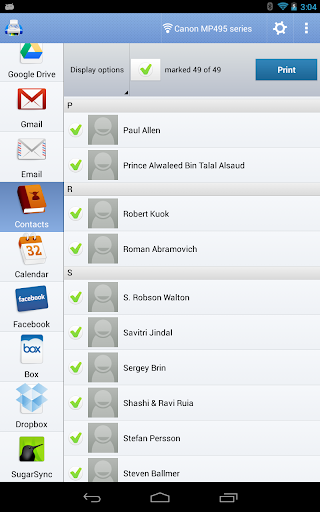
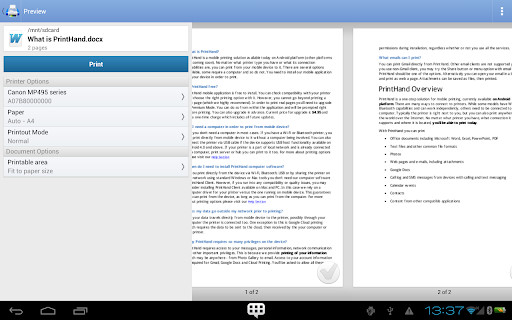
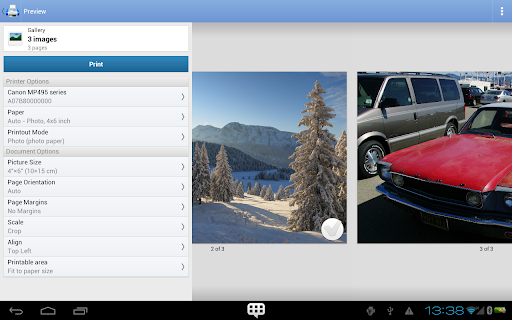
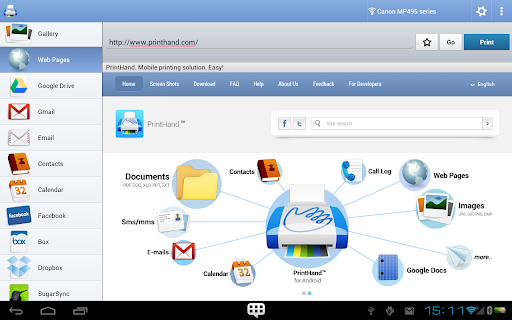
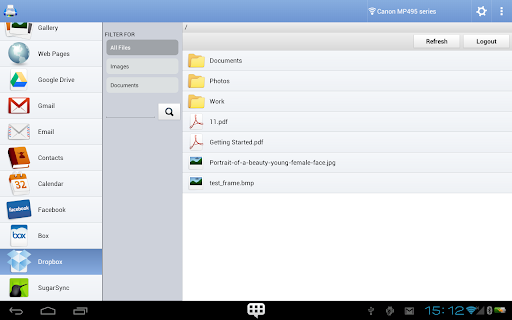
PrintHand handles common office files such as Word, Excel, PowerPoint and PDF, along with text files, photos, web pages, emails and attachments. It can also print selected content from services and apps, including cloud storage, Calendar, Contacts and Evernote, or content shared with it from another app.
That range makes it useful for occasional practical jobs: a travel document, a page from an email, a photo, or a file kept in cloud storage. It is less compelling if you rarely need printed copies or do not have access to a supported printer.
Printer compatibility matters: check that your model is supported before relying on the app. USB printing also depends on the phone’s USB OTG support and the printer connection; a USB port that appears compatible may still not work with every device. Printing through a computer requires the printer to be shared.
The app is not free for printing real pages: that requires an in-app upgrade to Premium Mode. A free test page is available, which can help confirm that the connection works before paying. SMS and call-log printing have been removed, so do not count on those options.
With a 3.6-star rating from about 33,000 reviews and more than 5 million installs, PrintHand has broad use, though ratings suggest it may not suit every setup. Its value depends less on daily phone use than on whether it reliably bridges your particular device, printer and files when a paper copy is needed.