TV Remote for Samsung
Spikes Labs
Downloads
5,000,000+
Source
Google Play
Advertisement
Click to download now, finish the installation quickly, and directly unlock the all-round experience
Advertisement
Screenshots
Click to download now, finish the installation quickly, and directly unlock the all-round experience
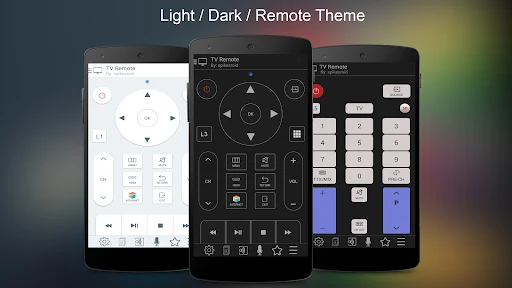
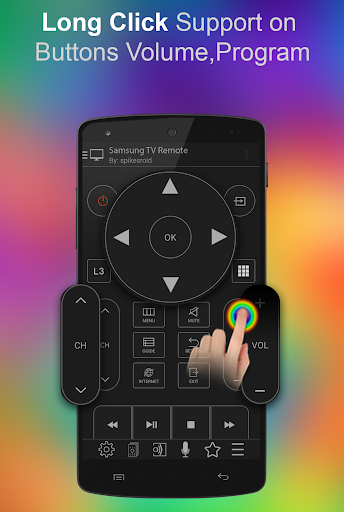
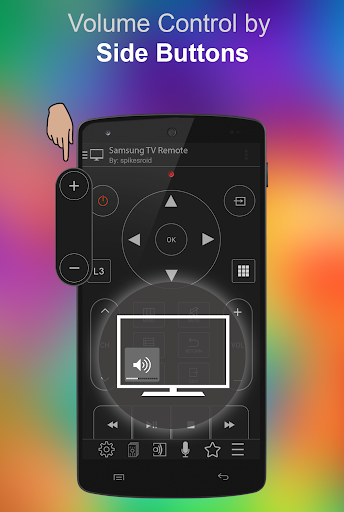
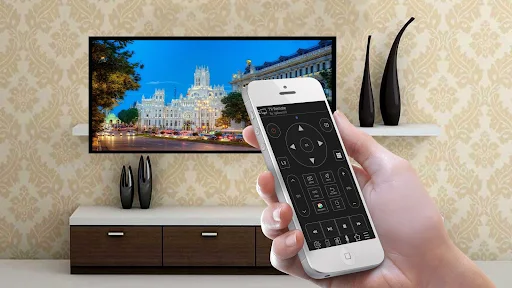
TV Remote for Samsung turns an Android phone into a remote for a compatible Samsung TV. It suits people who want to change channels, adjust volume or navigate the TV without reaching for the physical remote. The app is from Spikes Labs and is listed in Video Players & Editors.
With Wi-Fi control, the phone and TV need to be on the same home network, and the TV may ask you to approve the connection. Wi-Fi commands cannot turn on a TV that is switched off. The alternative is infrared control, which requires an IR blaster built into the phone; not every Android phone has one. Check that your TV and phone support the connection method you plan to use.
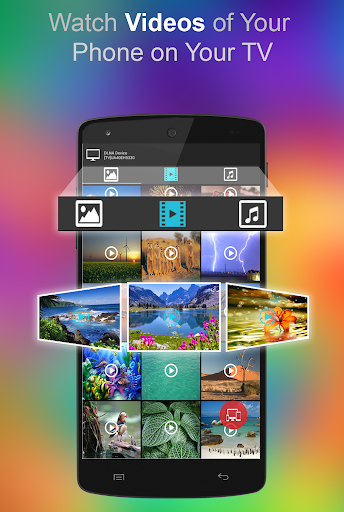
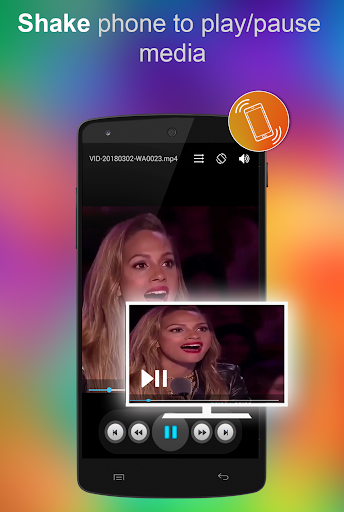
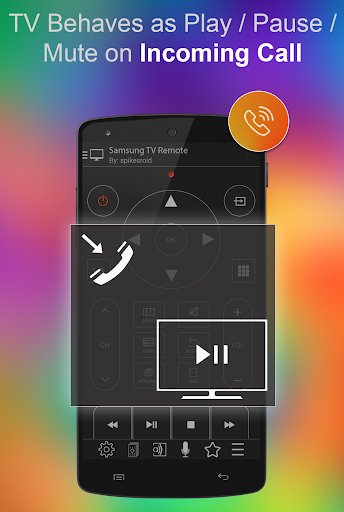
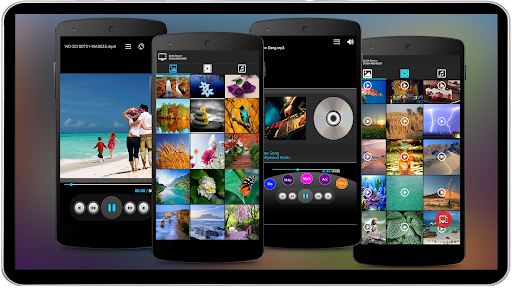
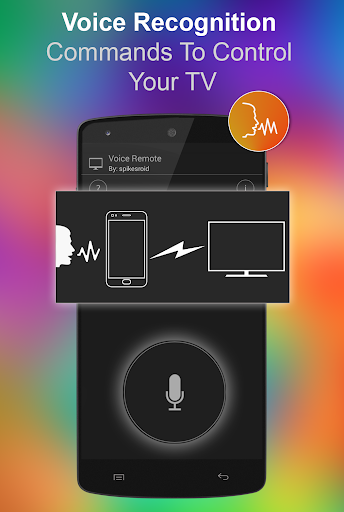
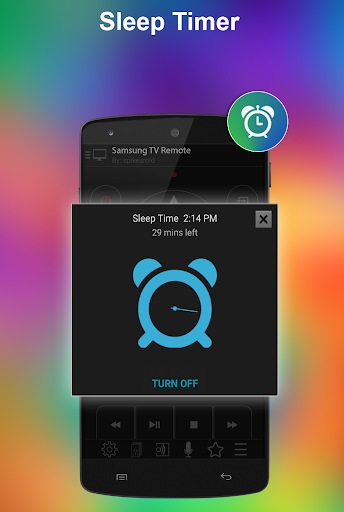
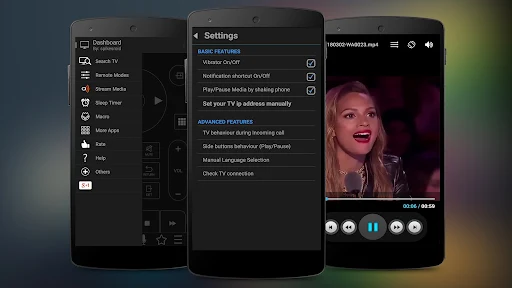
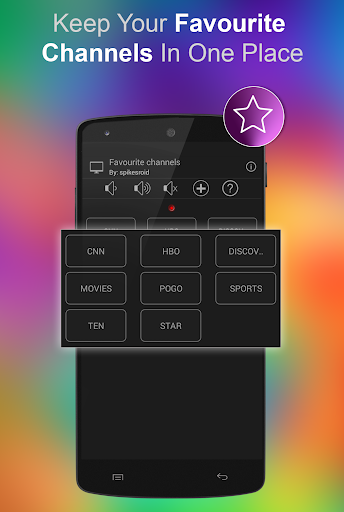
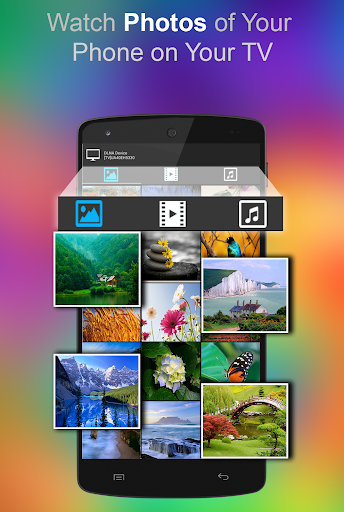
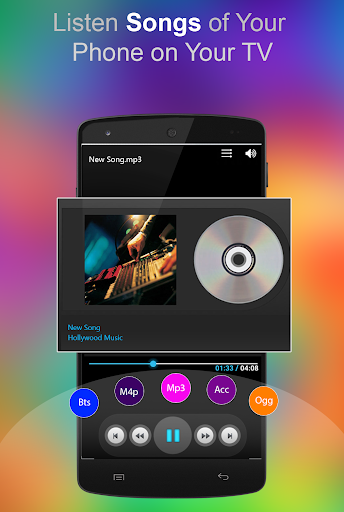
Alongside remote controls, the app offers tools for sending photos, music and videos from the phone to the TV, plus a sleep timer and a media player. Other listed options include voice commands, text entry, favorite channels and custom remotes. These extras may be useful if you often use your phone as a companion to the TV, but the basic remote function is the main reason to keep the app around.
Its rating is 3.78 from 25,192 ratings, with more than 5 million installs. That reach suggests it has found a practical role for many Samsung TV owners, though ratings are not a substitute for checking whether a particular TV model and phone can connect. If you have a compatible setup and regularly misplace or share the remote, this is the sort of small utility that can keep earning its place on your phone.