
Advertisement
Click to download now, finish the installation quickly, and directly unlock the all-round experience
Advertisement
Screenshots
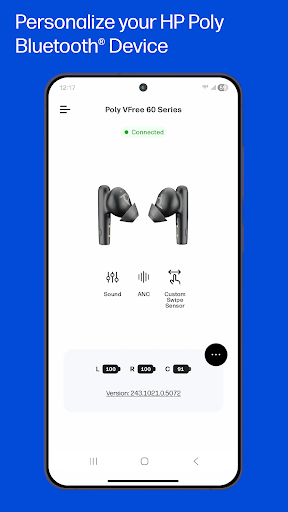
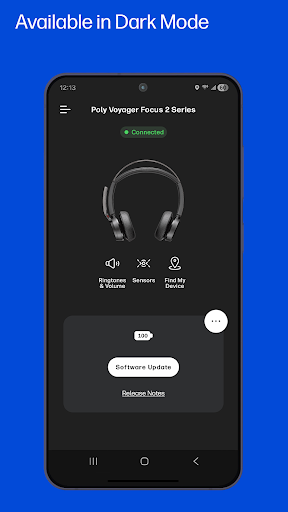
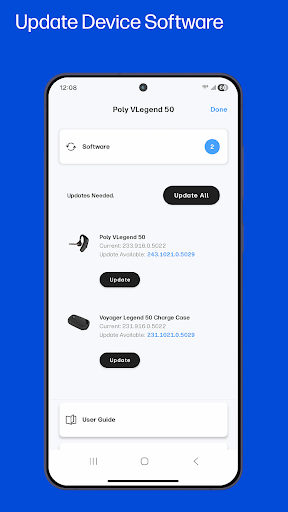
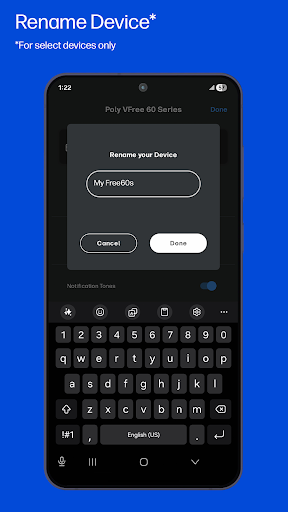
Click to download now, finish the installation quickly, and directly unlock the all-round experience
HP Poly Studio Mobile is a companion app for managing supported HP Poly Bluetooth devices, including headsets and speakerphones. It suits people who use these devices for calls, meetings or listening to music and want to adjust device options from a phone rather than searching through menus. The app was previously called Poly Lens.
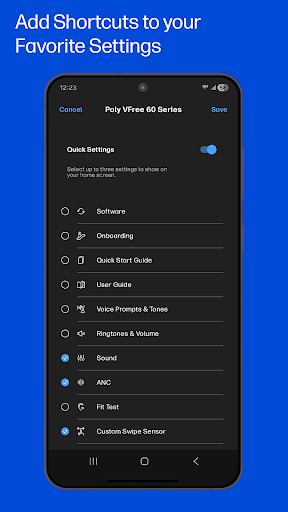
Depending on the device, you can change settings such as noise cancellation or audio tone, and place shortcuts to up to three preferred settings on your phone’s home screen. The app can also provide over-the-air software updates, so compatible devices can receive available updates without a separate computer tool.
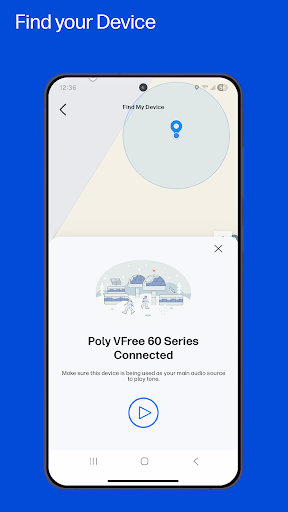
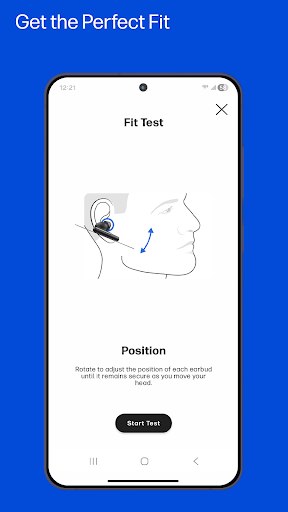
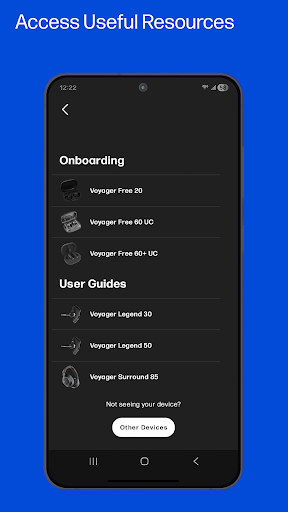
Quick Start Guides, user guides and support information are available in the app. Fit tests are offered for applicable devices. A Find My Device feature can help locate a device you have misplaced.
The app works with supported Poly models, not every Bluetooth headset. Listed families include Voyager, Focus, Free and Surround headsets, along with Sync speakerphones. Check that your particular model is supported before installing the app for a specific device; some tools and settings depend on the model.
Organizations may also enable device telemetry for the Poly Lens Cloud. When enabled, this can give IT administrators information such as connection status and device inventory, and allow them to set configuration policies. That enterprise option may not be relevant to personal use.
HP Inc. publishes the app in the Tools category. It has more than 1,000,000 installs and a rating of 3.17 from 38,924 ratings. Those figures suggest broad use, but the rating is a reason to check recent feedback and confirm your device’s compatibility before making the app part of your regular setup.